Have you ever seen an advertisement on Instagram promoting a course, a clothing brand, or a local business? These targeted advertisements are created and managed using Meta Ads.
Meta Ads empower businesses to reach high-intent customers on platforms like Facebook and Instagram. Companies use them to build brand awareness, generate quality leads, drive website traffic, and scale sales predictably.
If you want to build a thriving career in digital marketing, learning paid media is an indispensable foundation. For students searching for the best digital marketing course in Delhi, understanding paid advertising gives you a massive competitive edge. In this guide, you will learn how Meta Ads work, how to set up your first campaign, and how to optimize for maximum return on investment.
In This Article
What Are Meta Ads?
Meta Ads are paid advertisements managed inside Meta Ads Manager. Depending on your configuration, these ads appear seamlessly across Facebook Feed, Instagram Feed, Instagram Stories, Instagram Reels, Messenger, and partner apps.
For example, an educational institute in Delhi can run ads showcasing its digital marketing curriculum, targeting college graduates and job seekers in West Delhi who want to learn SEO, social media marketing, and performance advertising.
Core Campaign Objectives Available in Meta Ads:
Reach the maximum number of people likely to remember your brand.
Send people directly to your website, blog, or course landing page.
Generate post likes, video views, comments, and WhatsApp chats.
Collect student or customer enquiries via instant forms or landing pages.
Drive purchases and conversions with catalog sales and checkout events.
Encourage target audiences to install and engage with your mobile app.
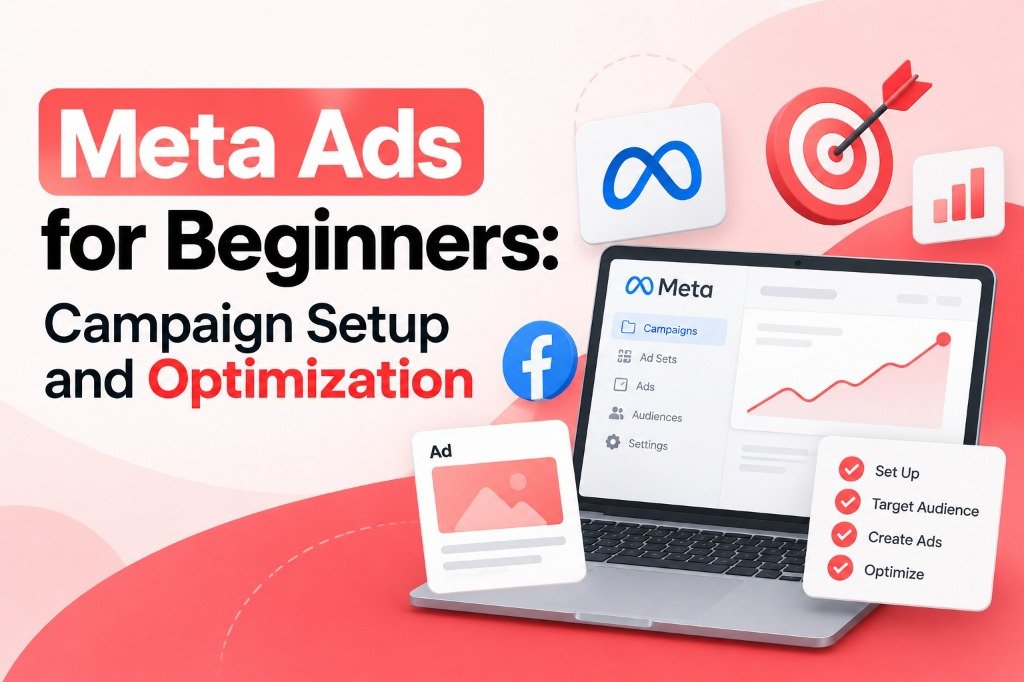
How to Set Up Your First Meta Ads Campaign
Setting up your campaign systematically protects your advertising budget and ensures positive return on ad spend (ROAS):
Step 1: Set Up Your Meta Business Account
Before launching ads, ensure your core business assets are properly connected in Meta Business Suite:
- A verified Facebook Business Page and linked Instagram Professional Profile.
- A dedicated Meta Business Account and Ad Account.
- Valid billing/payment method added in Meta Ads Manager.
- Strict two-factor authentication (2FA) enabled for account security.
Step 2: Choose the Right Campaign Objective
Meta's machine learning algorithm optimizes ad delivery based on your chosen objective. If your goal is to have students enroll or inquire about digital marketing batches, choose the Leads objective.
If you choose Traffic, Meta will find people who like to click links, but they may not necessarily submit an enquiry. Align the objective strictly with your desired business action.
Step 3: Set Your Advertising Budget
Choose between a Daily Budget (consistent daily pacing) and a Lifetime Budget (total amount spent across the scheduled campaign duration).
Start with a controlled testing budget. Determine your target cost per lead (CPL). Remember that simply multiplying your budget without creative testing does not guarantee better results.
Step 4: Choose Your Target Audience
Targeting options include geographic location, age, gender, language, and detailed interest targeting.
Step 5: Create an Attractive Ad Creative
In modern paid social marketing, the creative is your primary targeting tool. Follow these proven principles:
- Catchy First 3 Seconds: Grab attention immediately on Instagram Reels and video feeds.
- Clear, High-Contrast Headline: E.g., "Learn Digital Marketing Through 100% Practical Live Campaigns".
- Transparent Benefits: Highlight certifications, live projects, tool training, and placement support.
- Distinct Call-to-Action (CTA): Use buttons like "Apply Now", "Learn More", or "Get Quote".
Step 6: Select Ad Placements
Meta offers Advantage+ Placements, which automatically distributes your ads across Facebook, Instagram, and Messenger to get the lowest cost per result.
Ensure your design team prepares both square (1:1 for feeds) and vertical (9:16 for Stories and Reels) formats so your visuals appear sharp and professional everywhere.
Step 7: Review and Publish Your Campaign
Audit destination URLs, UTM parameters, lead forms, and pixel tracking events before hitting Publish. Once submitted, Meta typically approves ads within 1 to 24 hours.
How to Optimize Meta Ads for Better Results
Publishing your campaign is only day one. Follow these five data-driven optimization strategies to scale profitably:
1. Track the Right Advertising Metrics
2. Systematic Creative Testing
Always test 2-3 creative angles against the same audience. Test a student video review against a course curriculum carousel to see which yields a lower CPL.
3. Filter for High-Intent Leads
If you receive low-quality enquiries, add custom qualification questions to your lead form (e.g., "Preferred batch timing?" or "Are you looking for weekday or weekend training?").
4. Set Up Meta Pixel & Conversions API
Track standard events like Lead, CompleteRegistration, and PageView so Meta's algorithm can optimize delivery to high-converting prospects.
5. Vertical & Horizontal Scaling
Scale winning ad sets vertically by 15-20% every 48-72 hours to prevent resetting the algorithm's learning phase.
Why Learn Meta Ads at AGDM Academy in Delhi?
Watching YouTube videos can teach you where buttons are, but running live ad budgets and troubleshooting real ROAS requires expert mentorship.
At AGDM Academy, students get hands-on experience running live paid ad campaigns on Facebook, Instagram, and Google through our comprehensive Master in Digital Marketing (MIDM) program in Uttam Nagar, New Delhi.
Students from Uttam Nagar, Janakpuri, Vikaspuri, and Dwarka can visit our campus for practical mentorship, batch flexibility, and 100% placement support.
Career Paths in Performance Marketing
Frequently Asked Questions
Master Meta Ads & Performance Marketing
Learn live campaign setup, audience targeting, creative hooks, pixel tracking, and budget scaling with 100% placement support at AGDM Academy.